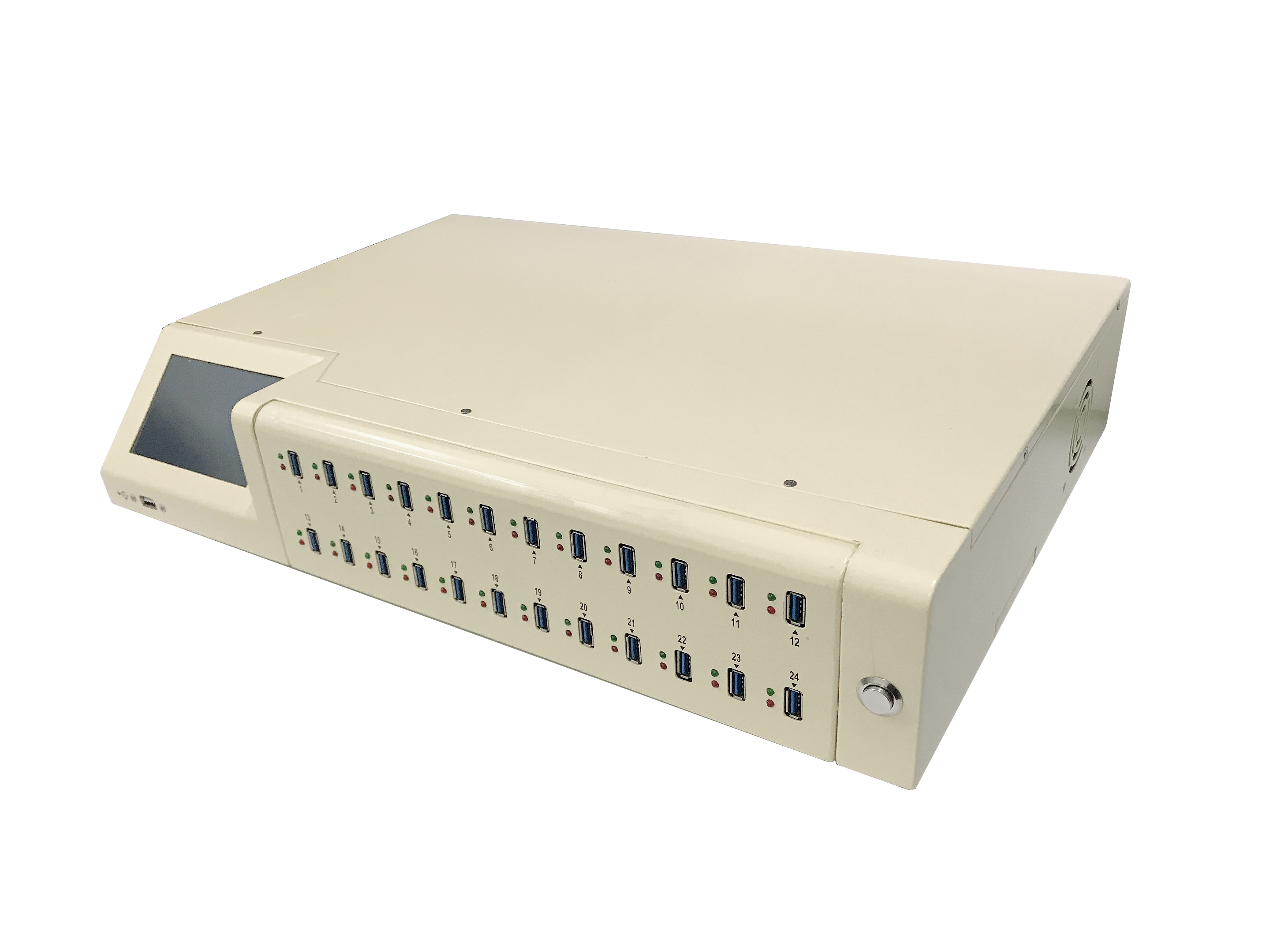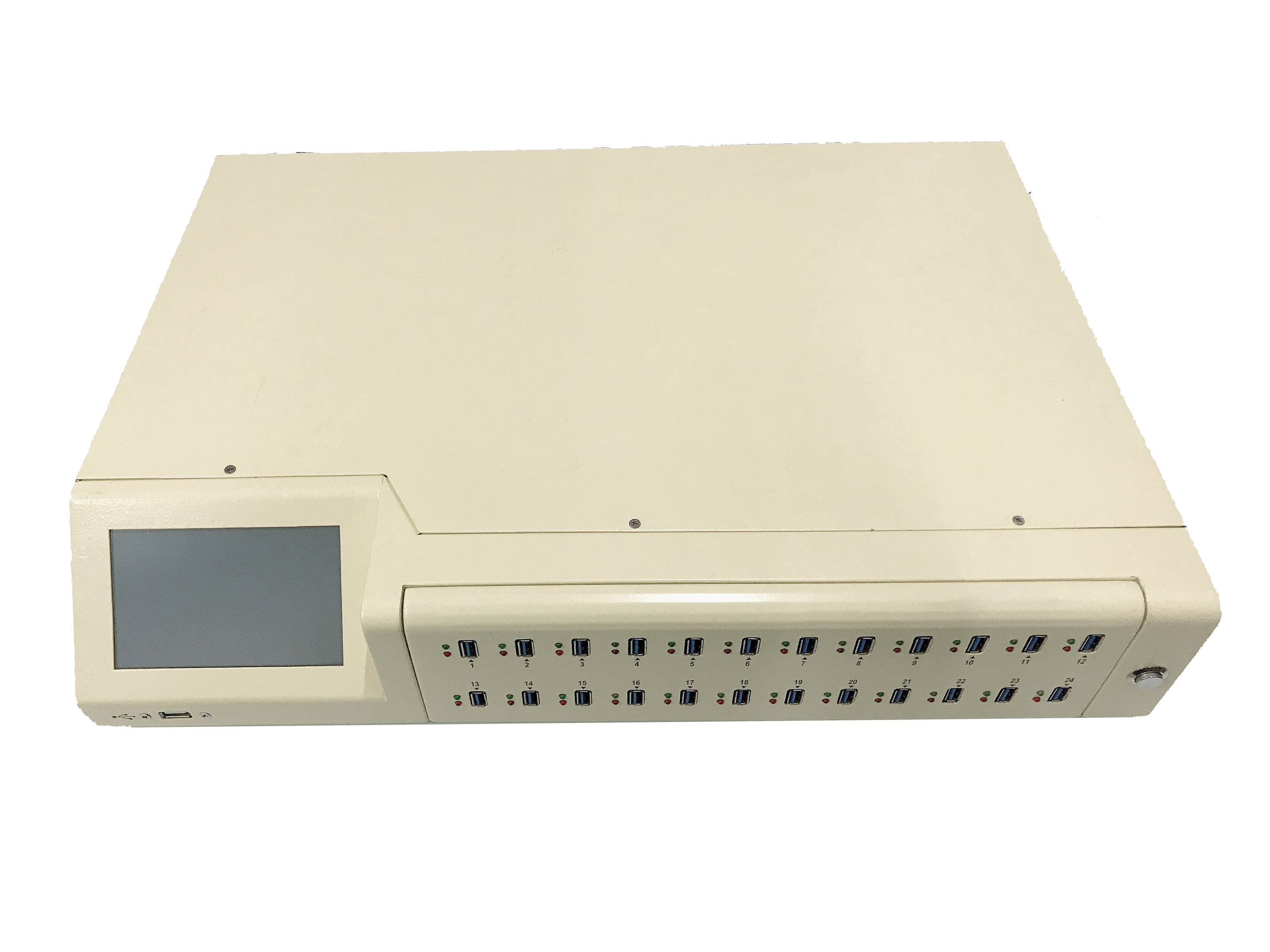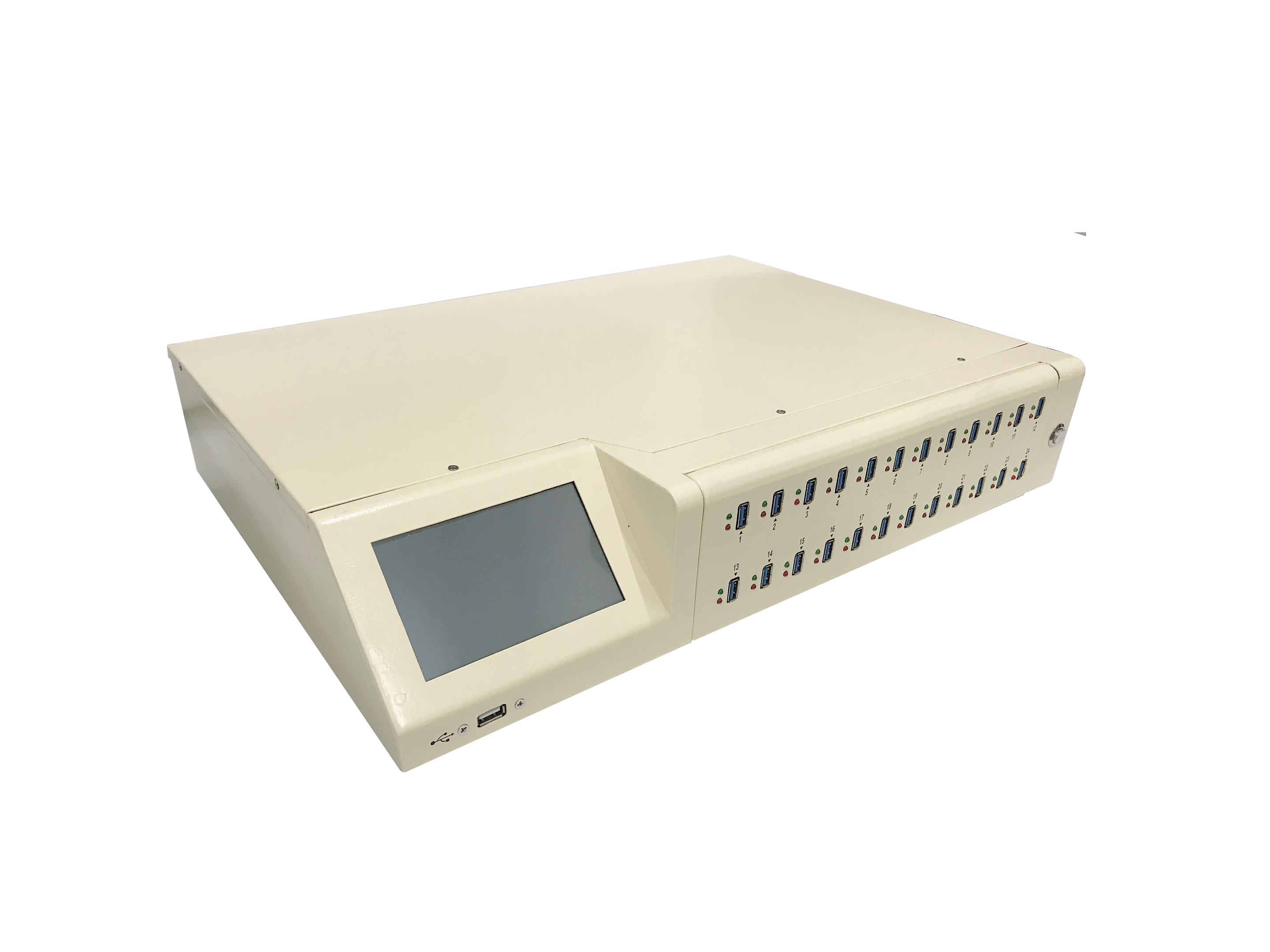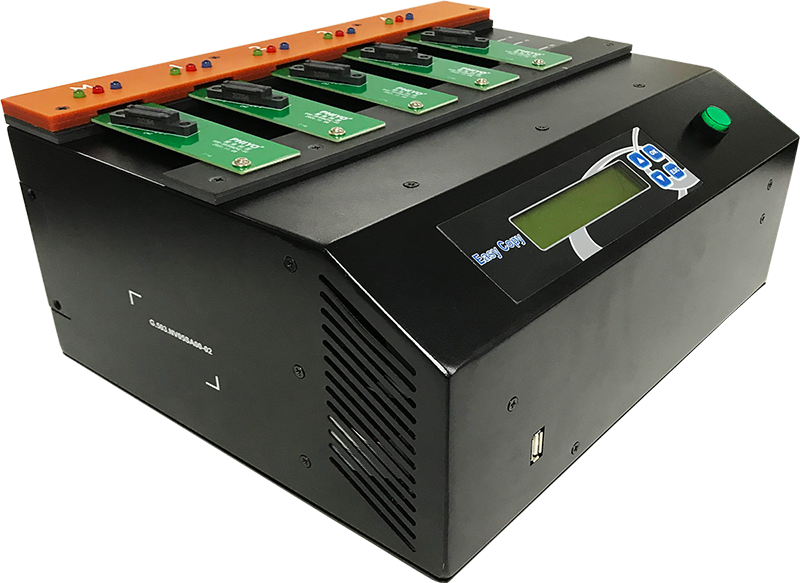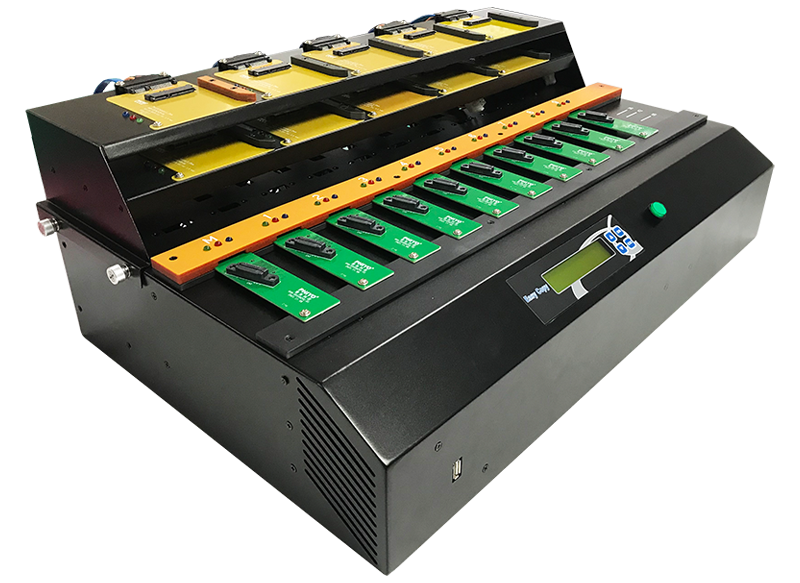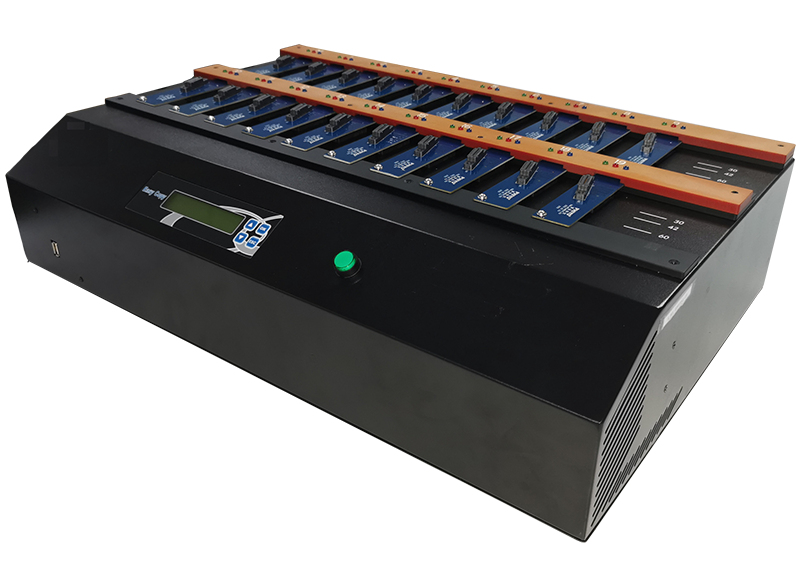
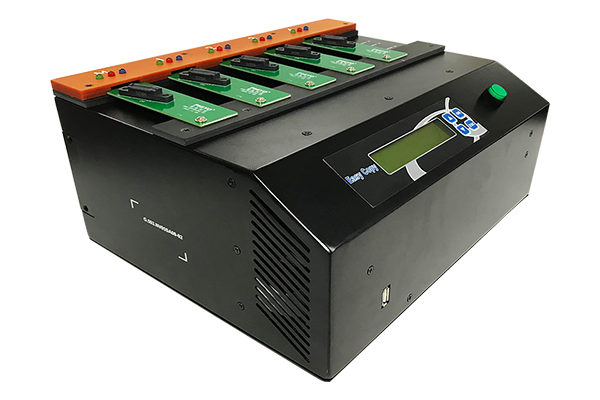
USB series copy machine
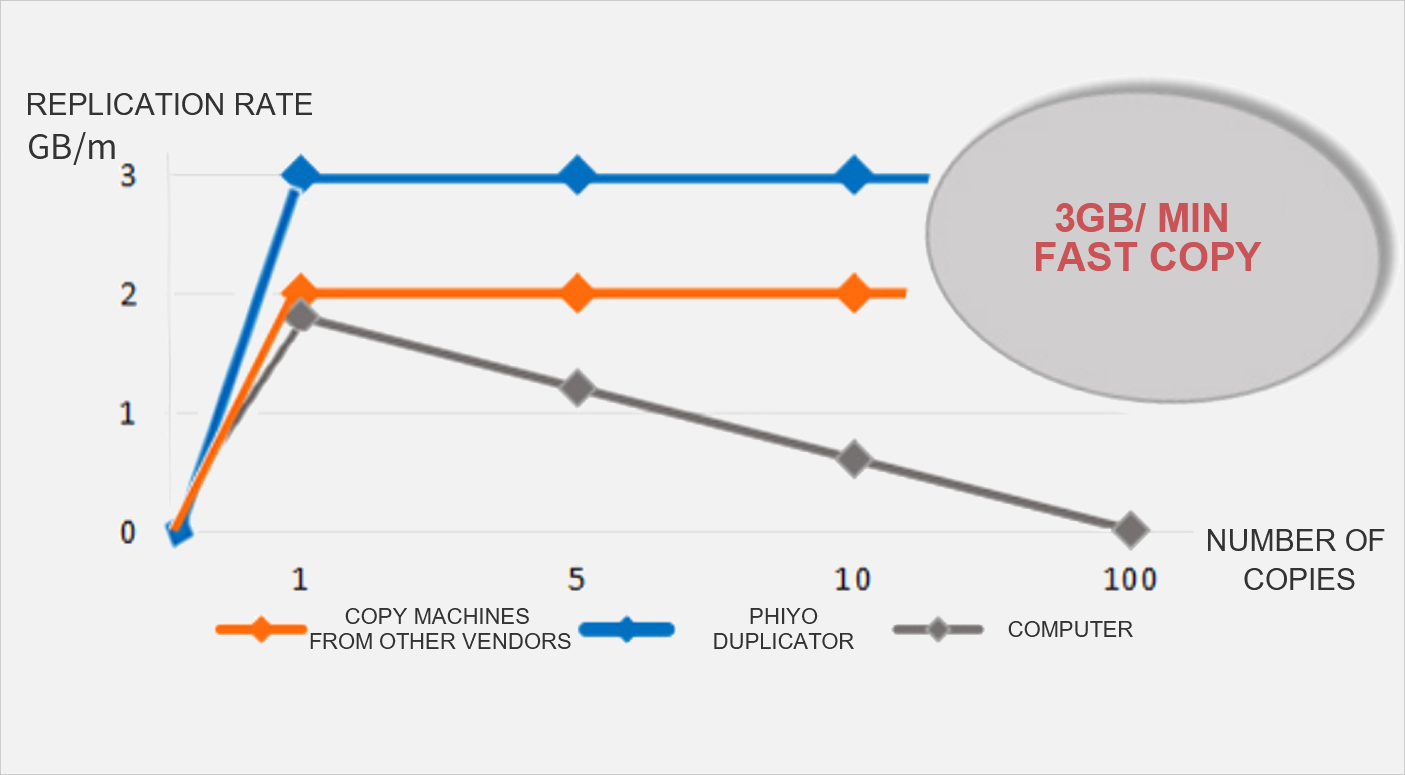
3GB/min Compatible Format Mixed Copy Capacity Test Production record
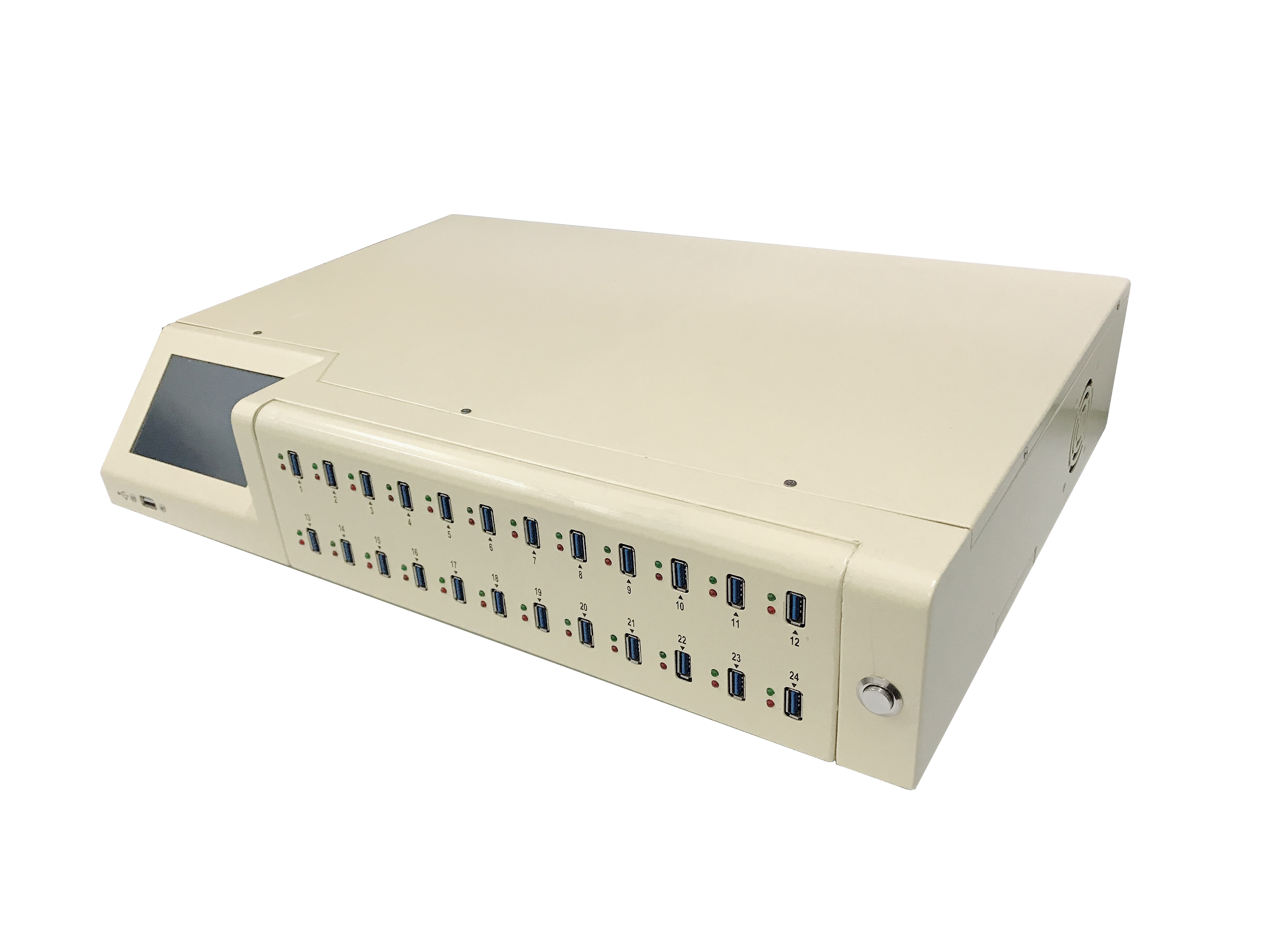
Support single machine independent operation, but also connected to the computer real-time tracking operation records
Each mouth speed up to 3GB/ min, easy to complete the replication;
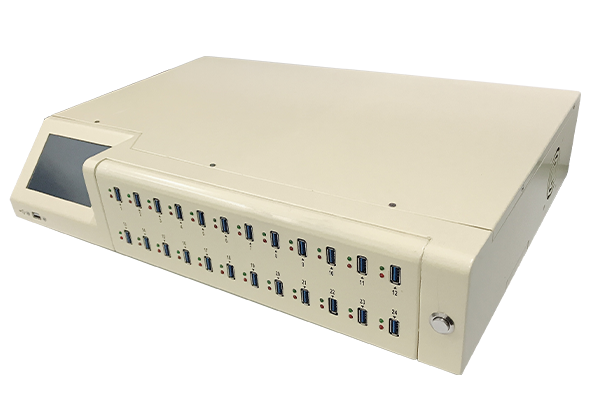
· High performance transfer speed: up to 250MB/S (125MB/s for USB-123N), which can copy 15GB of data per minute(7.5GB for USB-123N)。 | · Graphical user interface: 5 inch touch screen, real-time display of the machine working state. |
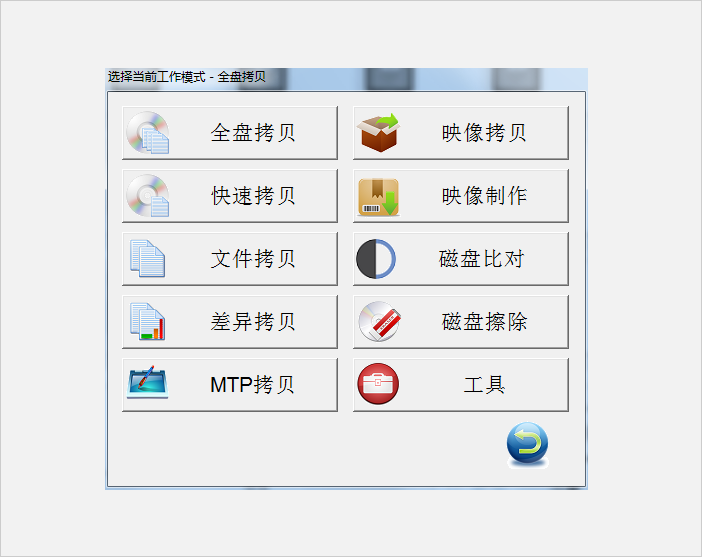
· Multiple copy operation modes: full copy ( Full Copy) + nbsp; Compare and copy Quick Copy) + nbsp; Compare and copy MTP Copy + Compare. | · Multiple verification modes ensure data integrity and accuracy, and support MD5, CRC32, and CHECKSUM32. |
· Multiple erasure operation modes: full erasure, fast erasure, DoD erasure. | · Image file operation mode: Create a master disk image to the local, create a master disk image to the remote server, copy from the local image file, copy from the server image file. |
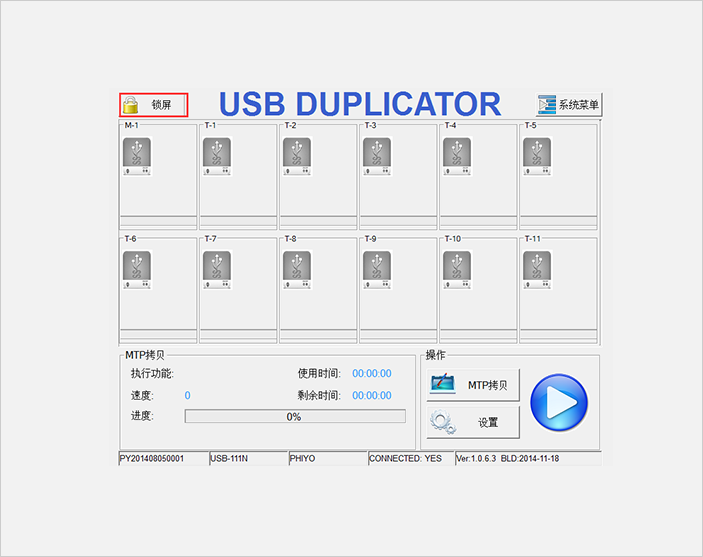
· Convenient upgrade: use USB disk directly upgrade program, lifetime free software upgrade. | · Supports the lock screen function to prevent operators from misoperation. |
· Task record keeping function, aspect later traceability. |
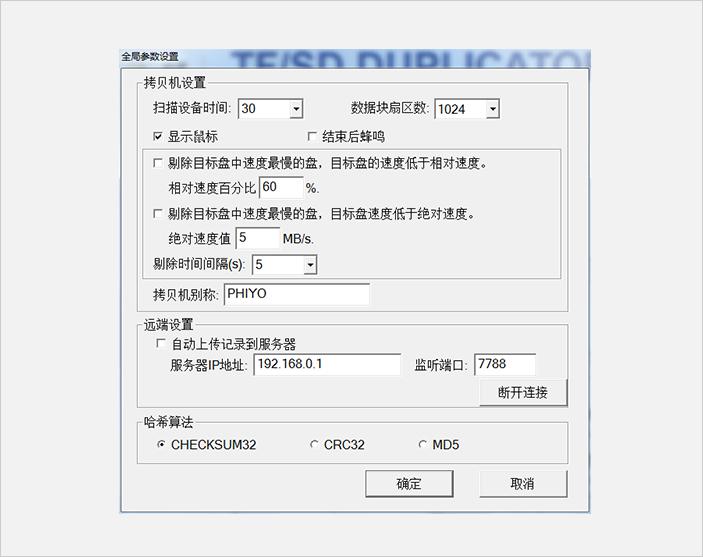
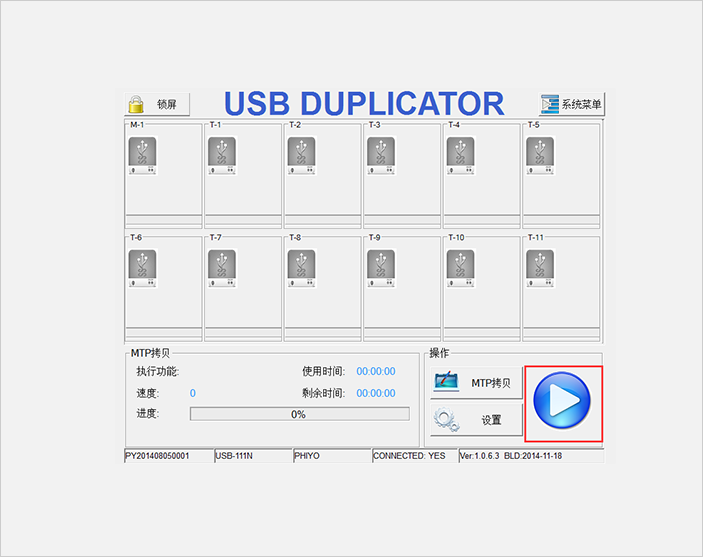
Operating Interface
|  |
 |  |
|
Model number | USB-123N | |
Copy port number | 123 | |
specification | processor | Intel G1820 2.7G |
memory | DDR3 2GB | |
Supports a maximum copy speed | 7.5GB/ min (125MB/S) | |
Supported file formats | Full copy: All partitions, all file formats | |
Fast Copy &MTP Copy: FAT12/16/32/64, exFAT, NTFS,EXT1/2/3/4, | ||
Operating mode | Single-machine mode | |
Network mode | ||
Control panel | 5 "color LCD touch display | |
Support language | Chinese, English | |
LED display status | Red (Fail), Green (Pass) | |
Network connection | Gigabit network card | |
Built-in storage | 1TB, 2.5-inch Hard disk (Optional) | |
Basic function | Copy function | Fast copy |
Full copy | ||
MTP copy | ||
make image, copy from image (make image, copy from image) | ||
Comparison function | The CRC32, MD5, and CHECKSUM32 checks are supported | |
Erasing function | Erase all, erase quickly, DoD erase | |
Network function | The image is downloaded from the network and uploaded to the network server | |
Advanced function | System upgrade | USB2.0 interface |
Touch screen lock | support | |
Extended display | DVI support | |
Work record keeping | Support local save, network save (can customize the program to access the factory ERP system) | |
compatibility | Supported operating systems | Windows Full series, Lunix full series, DOS |
Supported storage devices | USB2.0&3.0 devices, MTP devices | |
Maximum capacity supported | 128GB | |
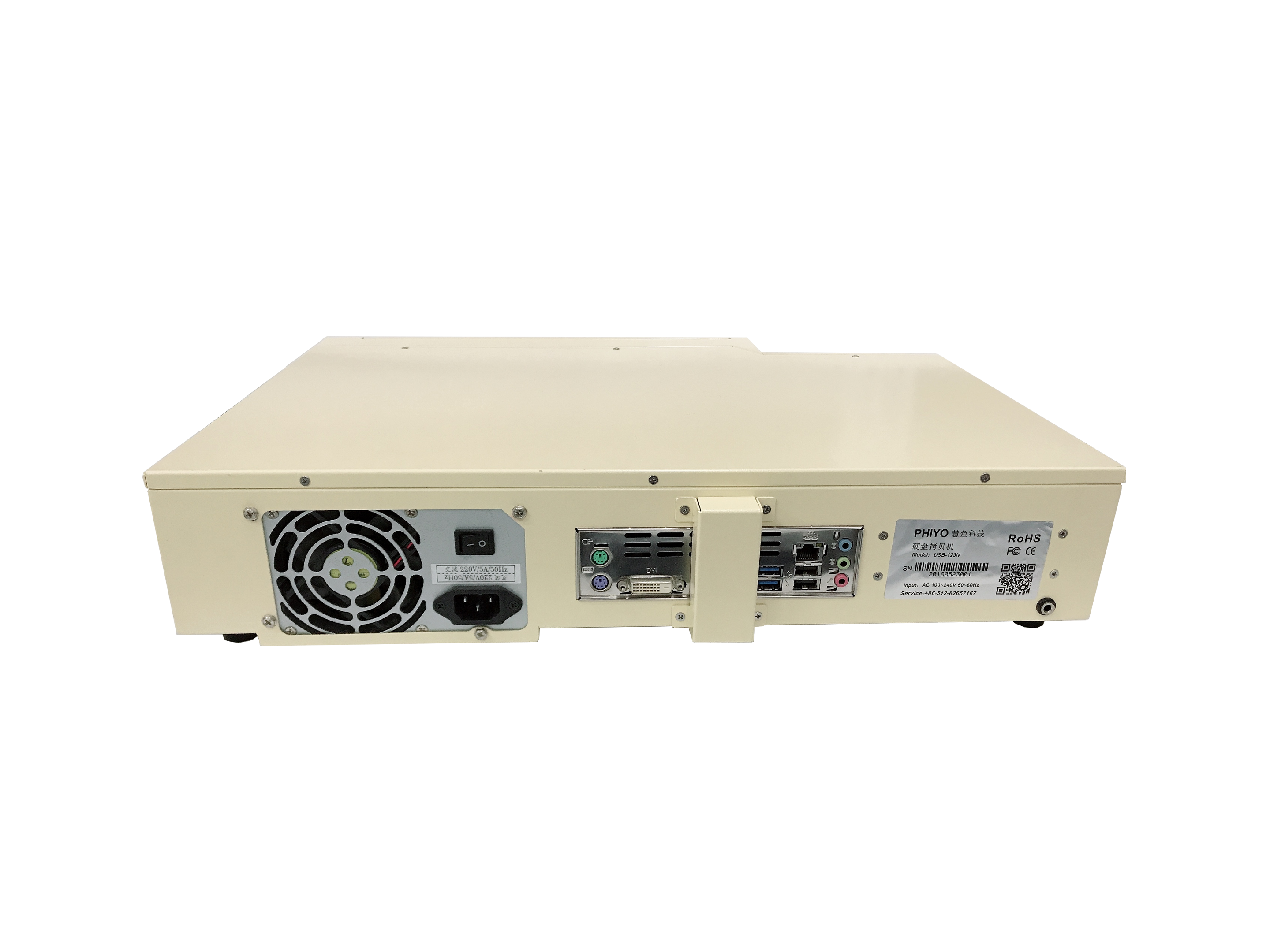
Hardware specification | I/O port | USB2.0*2, USB3.0*2, RJ45*1, VGA*1, DVI |
dimension | Naked machine size: 480mm*360mm*106mm | |
Package size: | ||
weight | Bare machine net weight: 8.5KG | |
Packing weight: | ||
Input power supply | 400W,110~250V/AC | |
Automatic power off control | support | |
Operating temperature range | 0℃ to 45 ℃ | |
Operating humidity range | 20%~85%, no condensation | |
Storage temperature range | 5%~95%, no condensation | |
Title | Description |
Version Download |

Q1:What are the differences between the new generation of NV series copiers and the previous generation of NV series copiers? |
1.The new generation of NV series duplicators include three: NV-05SA, NV-10SA and NV-20SA |
Q2:What is the service life of the vertical connector? |
The vertical plug interface is designed by artificial mechanics and can support up to 10,000 times of plug and pull |
Q3:What is the copy speed? |
The copy speed of NV series duplicator can reach 800M/S |
Q4:Can I support large-capacity SSD copy? |
Sure |
Q5:Can you copy IDE HDDs? |
Sure. |
Q6:Can I support HDD copy of U2 interface? |
Sure. |
Q7:The capacity of the master disk is different from that of the child disk. Can I copy it? |
Sure. |
Q8:Is the hard disk made by fast copy completely consistent with the master disk? |
Yes. |
Q9:Why does the copy fail? |
1.First confirm whether the data capacity of the master disk exceeds the total capacity of the sub-disk. If so, make sure that the capacity of the sub-disk must be greater than the capacity of the master disk, at least 1MB. |
Q10:Why is copying slow? |
In addition to being affected by the machine itself, the copy speed also depends on the read and write speed of the hard disk itself. Further troubleshooting is required: |
Q11:How to ensure that the hard disk data is copied successfully? |
In addition to the copy function, the copying machine also has the data comparison function. The system can turn on the comparison function. After the copy is completed, the system will automatically compare the data between the master and the sub-disk to ensure that the data copy is not lost or damaged |
Q12: How many HDD Duplicator can be supported at most for serial simultaneous copying? |
To ensure the copy speed and efficiency of the copying machine, it is recommended to connect up to 50 sets (1000 ports) in series |
Q13: What is the difference between fast copy and full-area copy? |
Fast copy: only copy the format data area supported by the system, avoiding blank areas, so it can greatly reduce the copy time and improve the copy efficiency. When selecting fast copy, the copy opportunity will analyze the data first. If it is found that the actual target card cannot hold all the parent data, the copy opportunity will directly turn on the red light< Br/>Full copy: regardless of any format, file size, the copying machine does not analyze, but directly copies the track to track, which takes a long time to copy. |
Q14: Why does the red light come on immediately after I insert the card and press the copy button? |
Please check whether your parent source data is larger than the child source data, or the parent source data location has exceeded the child source space< Br/>If you copy NTFS format, please confirm that the capacity of your parent source Flash must be smaller than that of the child source< Br/>Please put your parent source on your PC to see if it can be read normally< Br/>If you are copying the SD card, please confirm whether the SD card is locked. |













 >
>