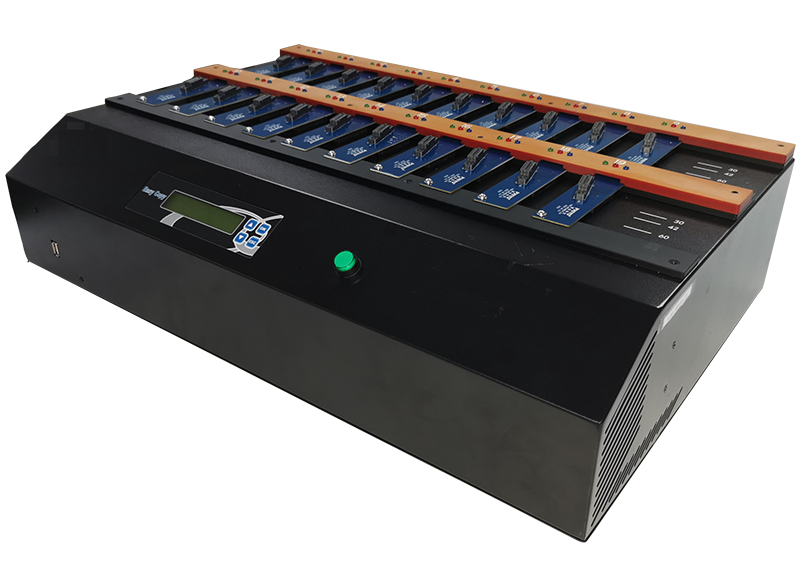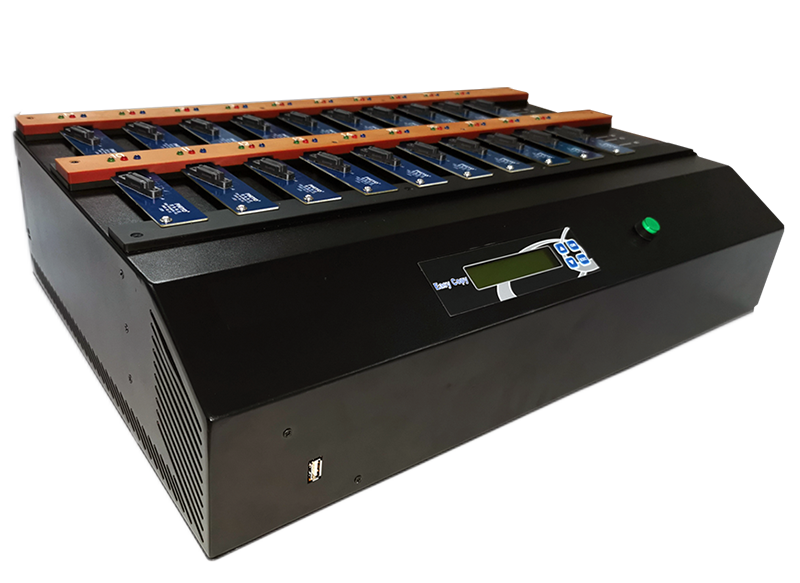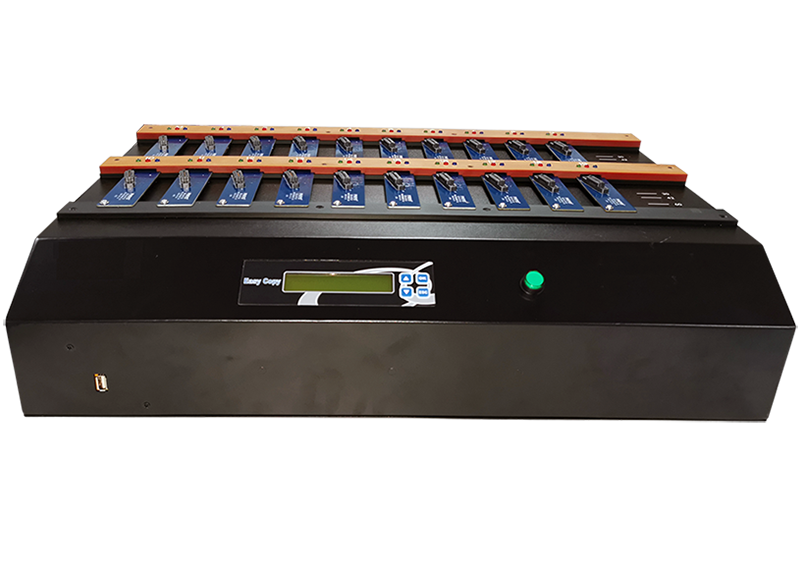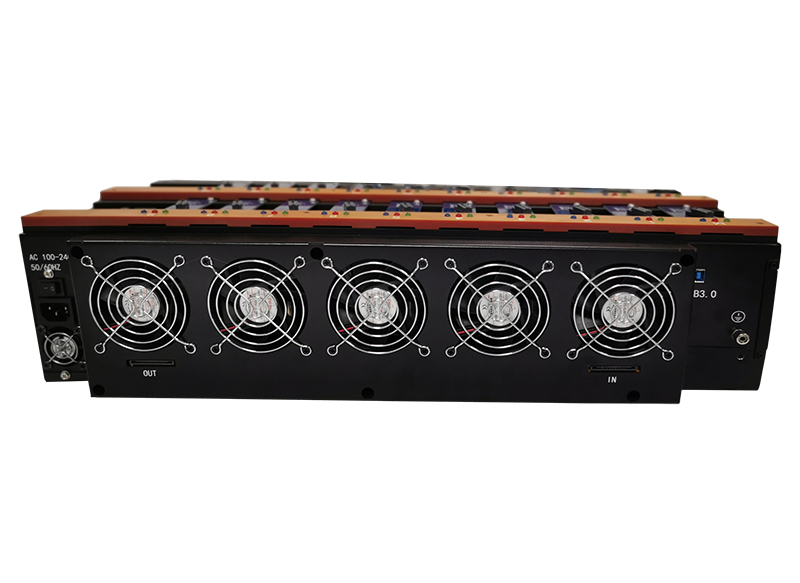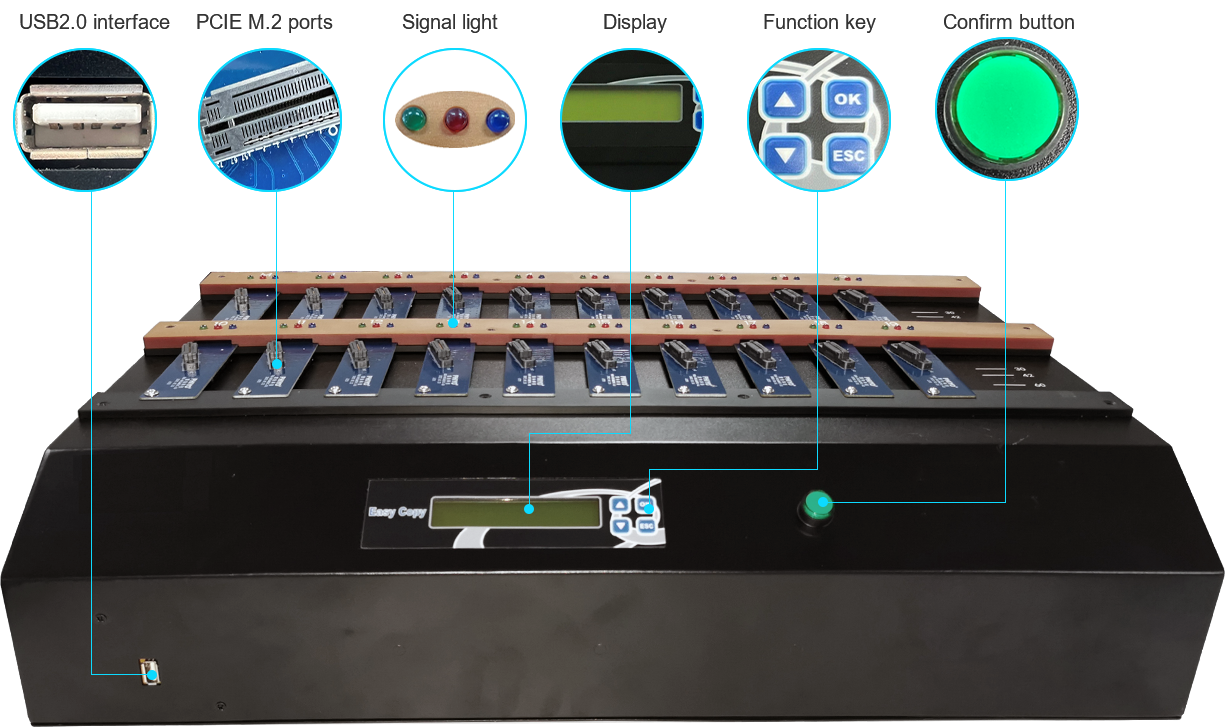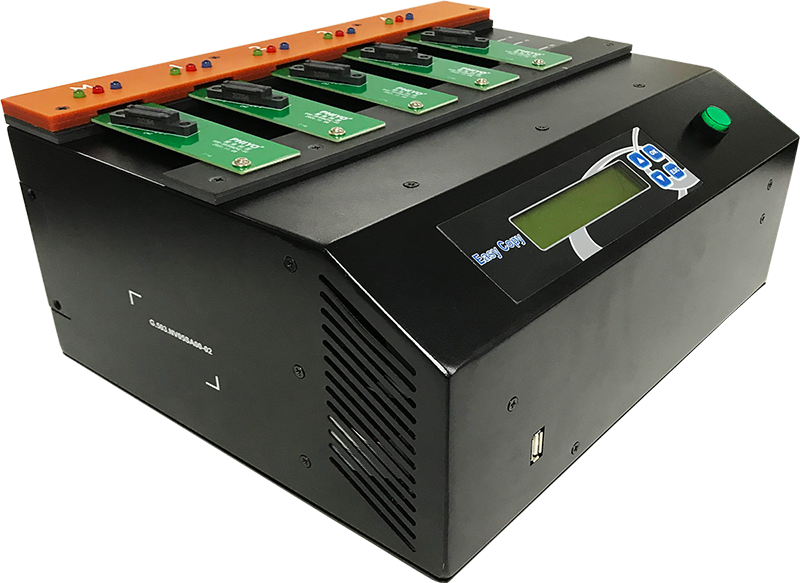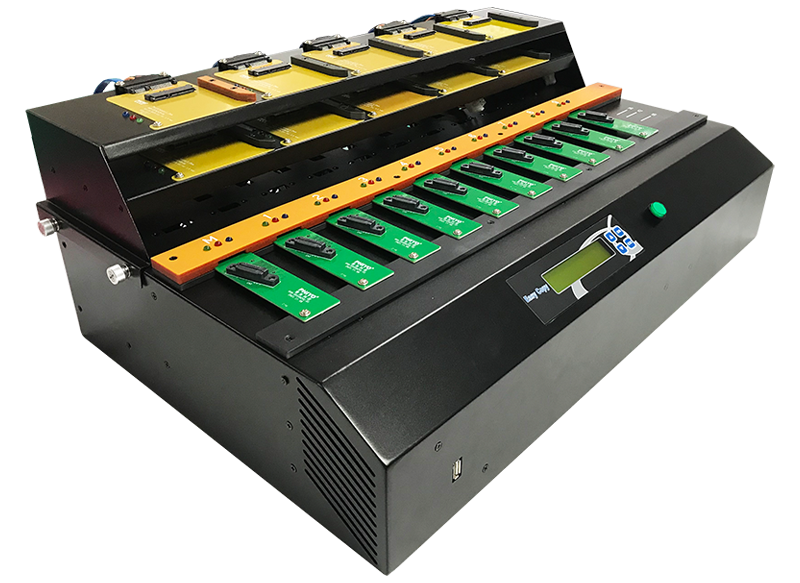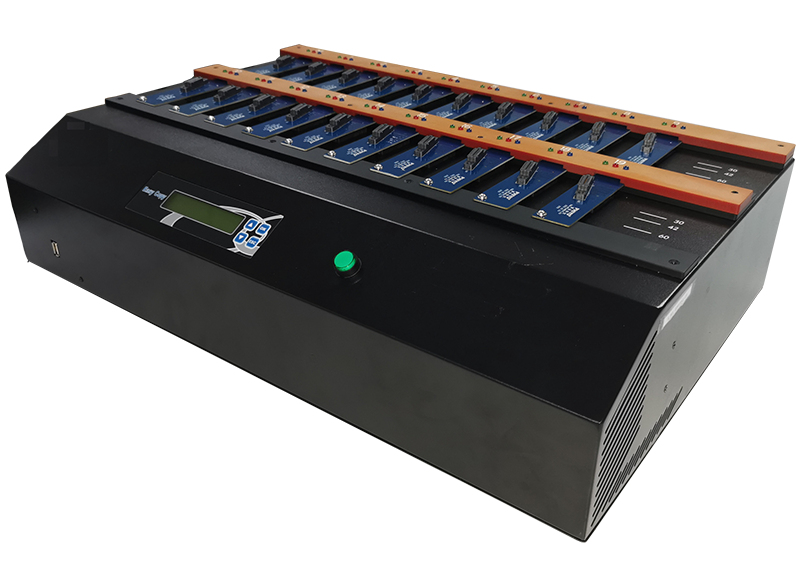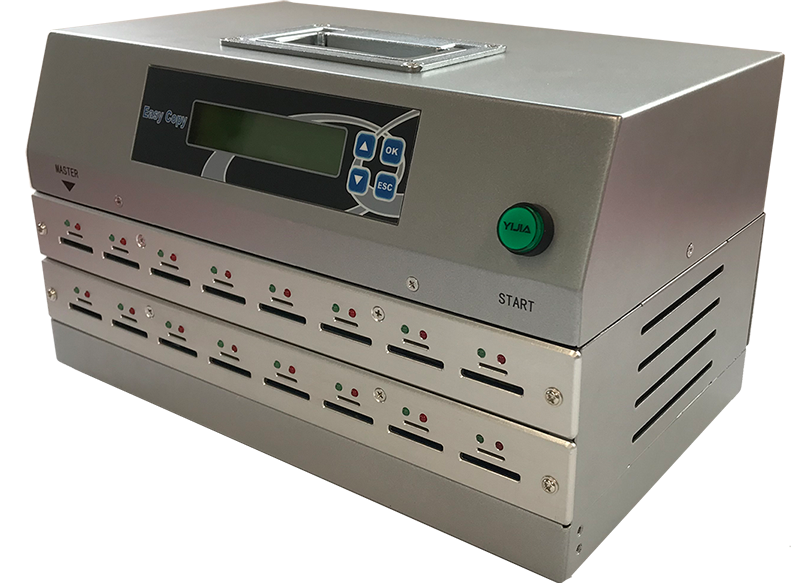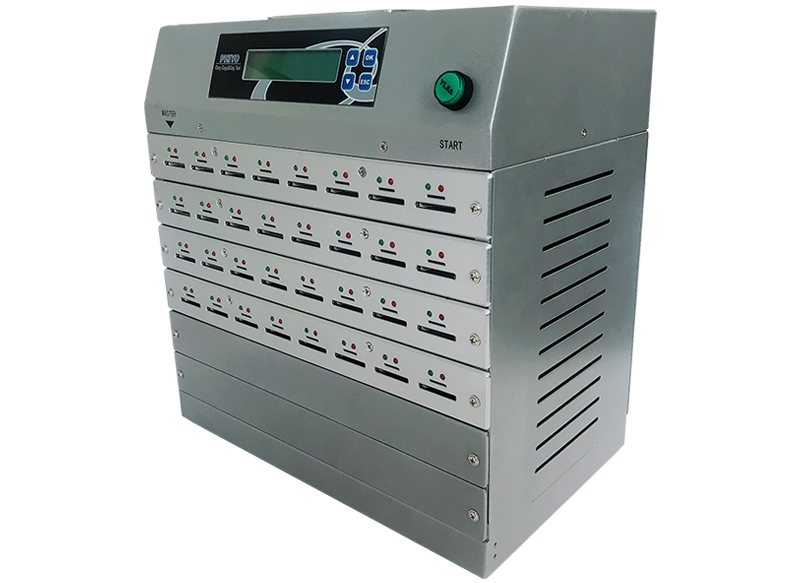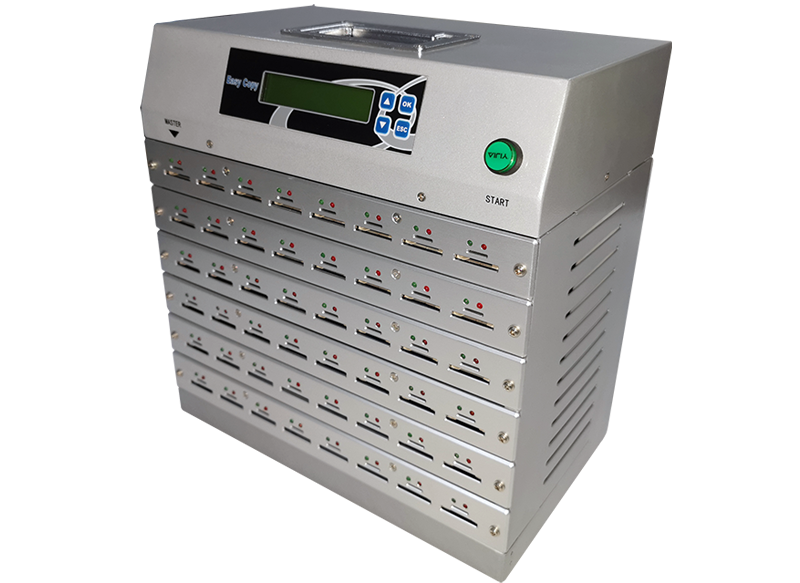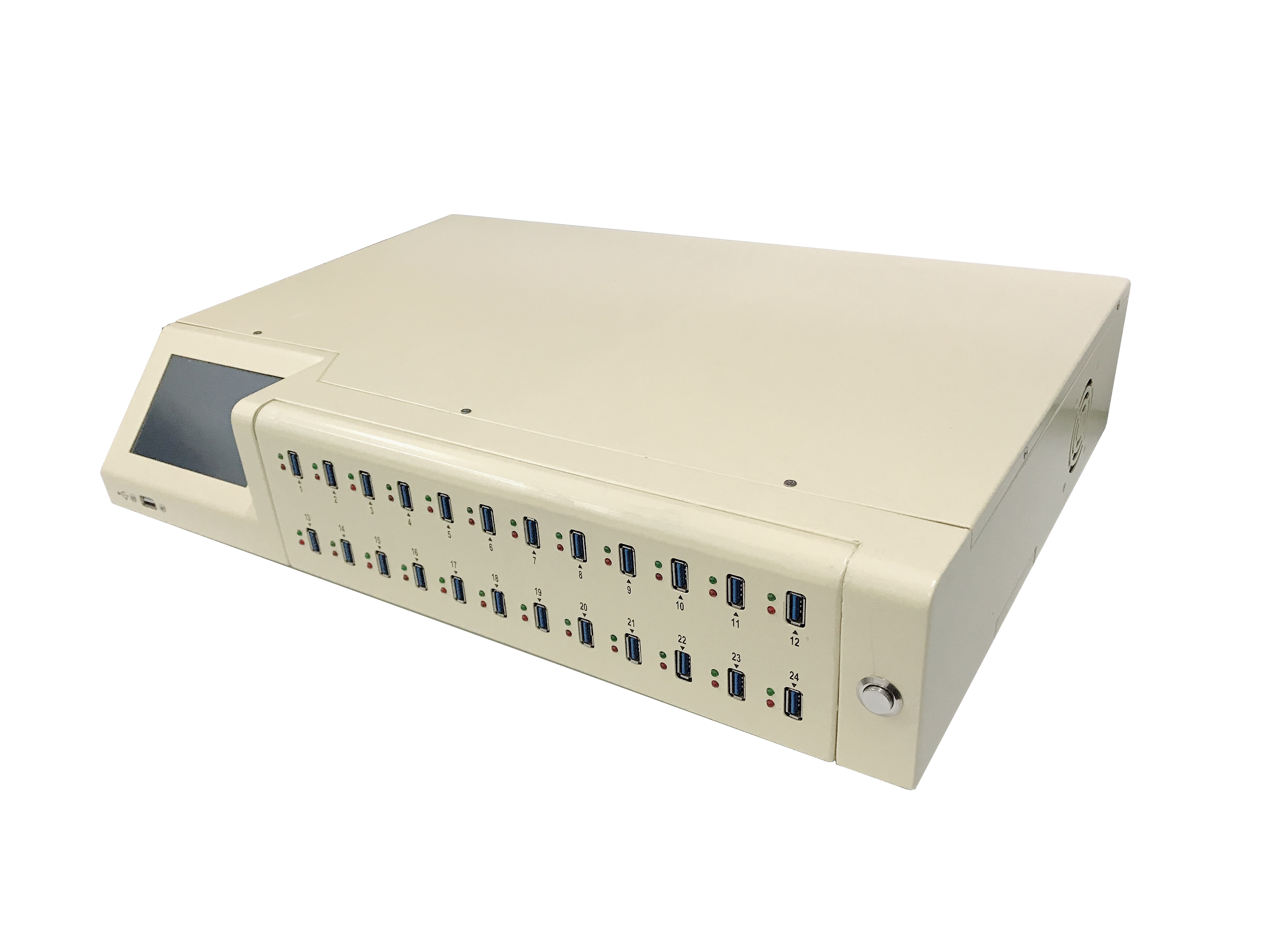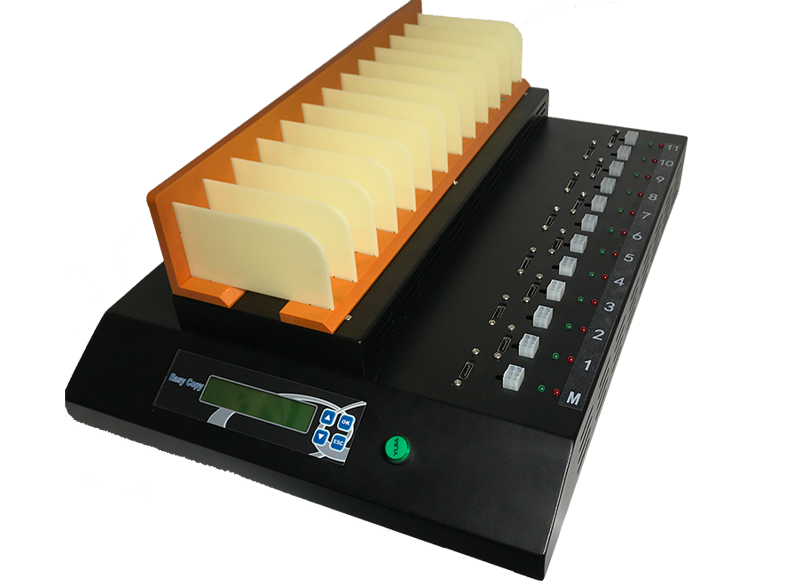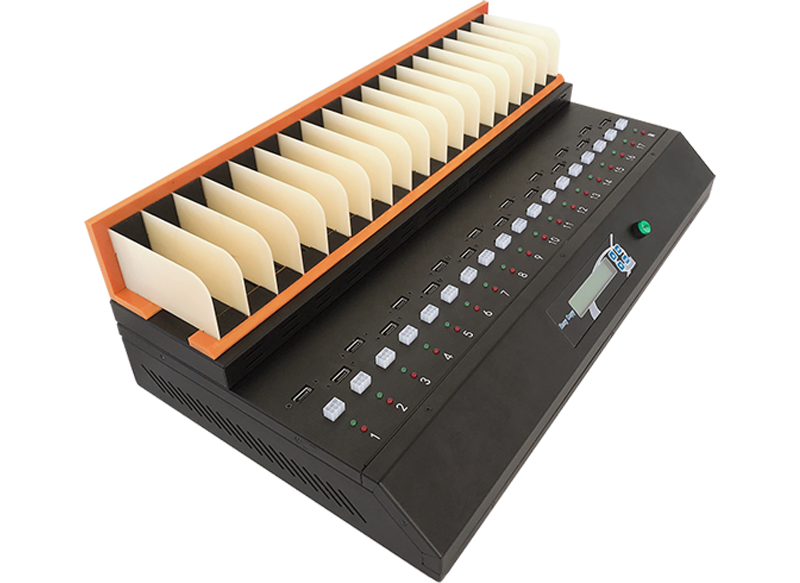
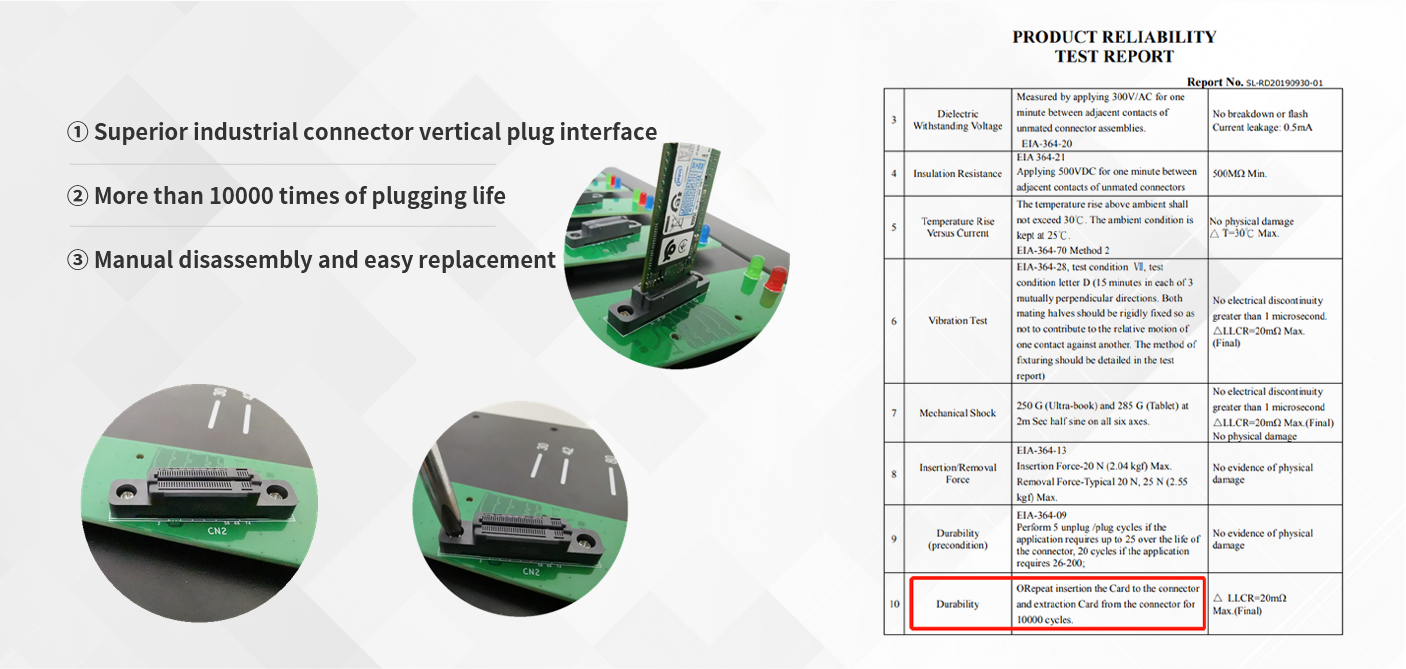
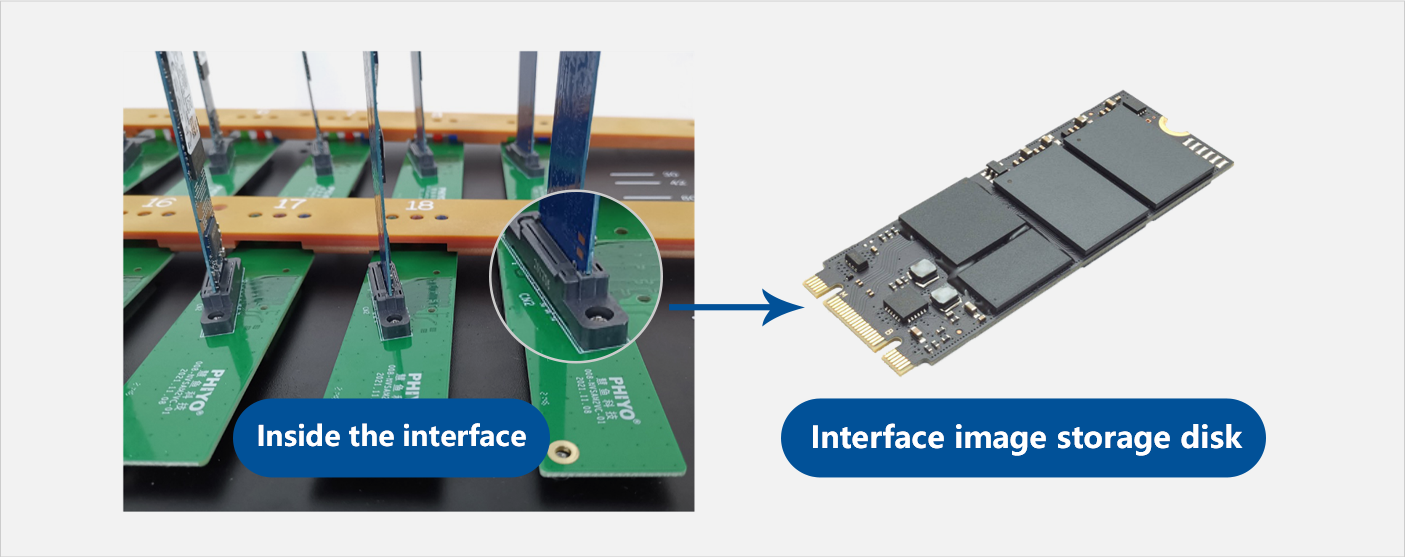
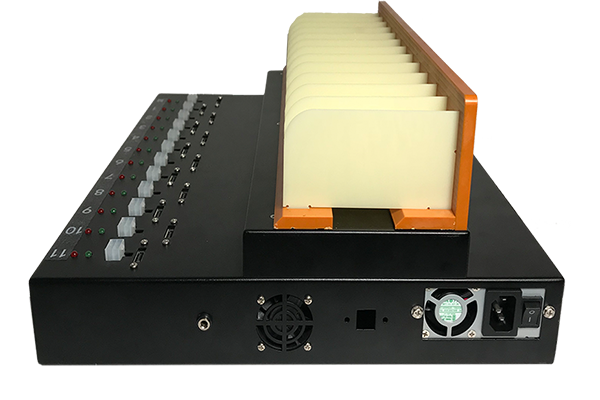
"Vertical insertion" mode of human body mechanics, asynchronous copy, Intelligent error prevention copy
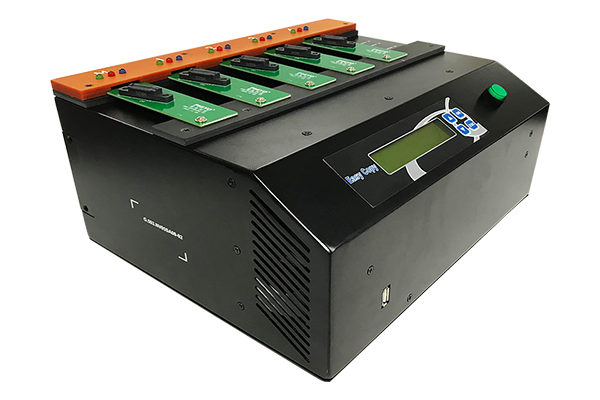
SATA&NVMe | M.2 Dual protocol Duplicator
 |
|
|  |
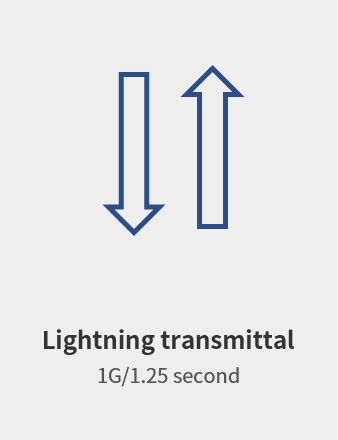
1.25 seconds copy 1G fast without waiting
Designed with PCIe 2.0 x4 and SATA 6Gbps dual-protocol interface, the measured speed is up to 48GB/min, and Large files data can be easily copied in seconds
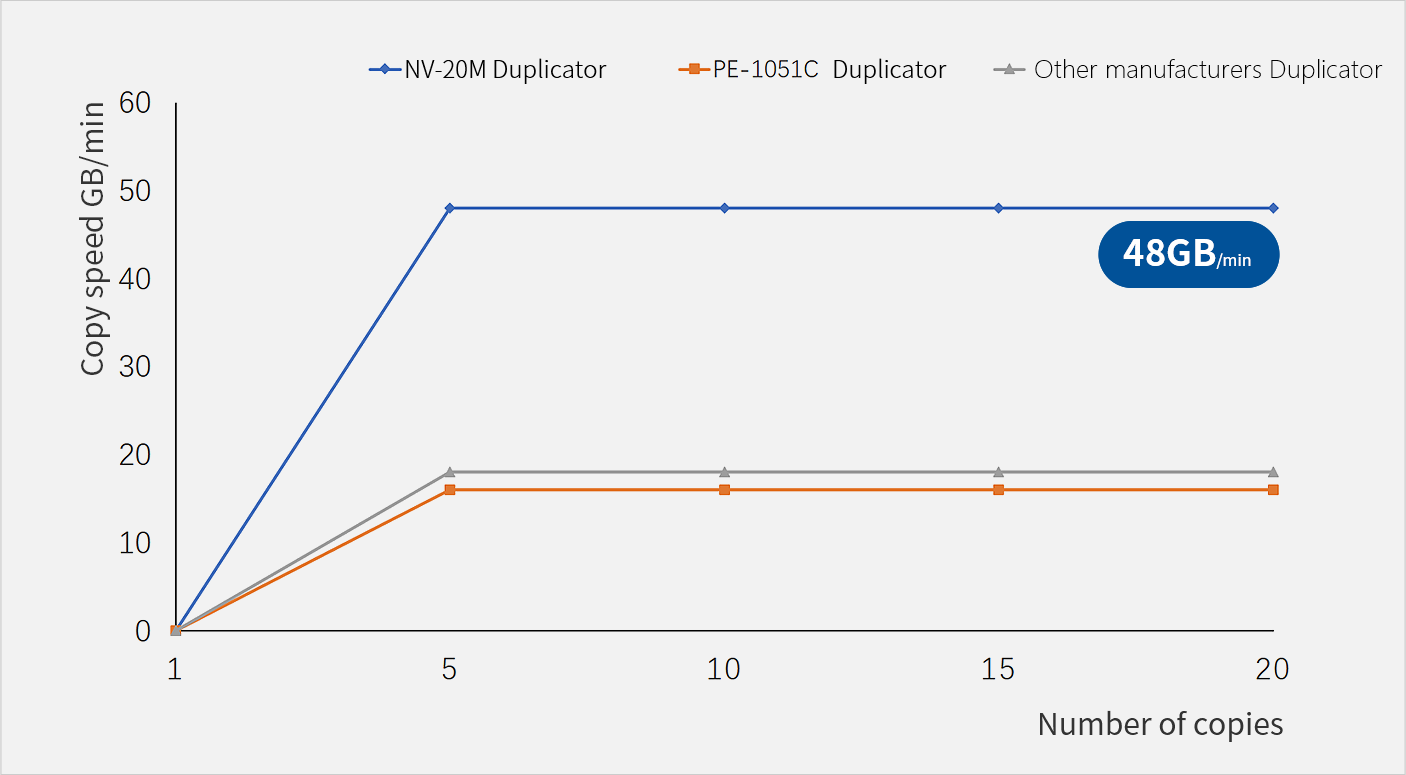
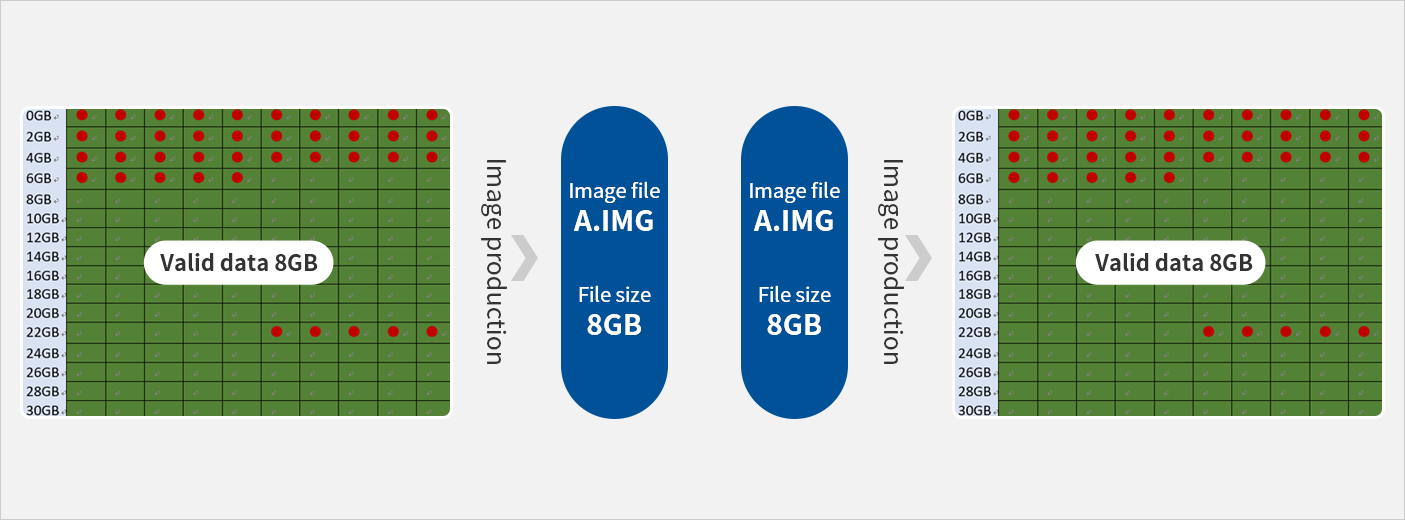
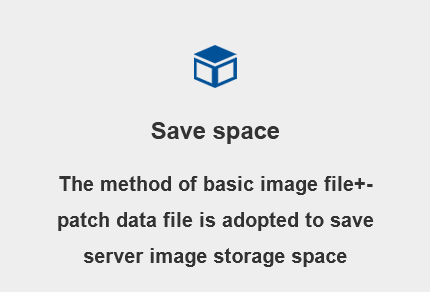
Image file making and copying
The image files made by different models are uploaded to the server for saving, and the corresponding image files are intelligently obtained according to the product orders for copying

 |
|  |
Asynchronous copy CTO/BTO free switch
Plug and play copy without waiting
The image files made by different models are uploaded to the server for saving, and the corresponding image files are intelligently obtained according to the product orders for copying
 |  |
|
|
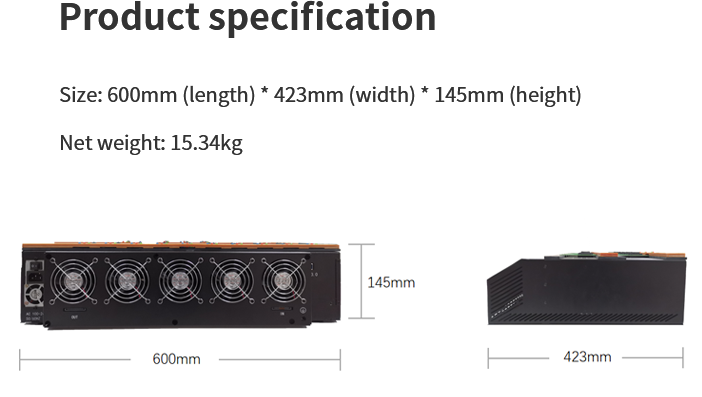
Model | NV-20SA | |
Number of copy ports | 20 | |
General specifications | Support maximum copy speed | NVMe:800MB/S; SATA:600MB/S |
Supported file formats | Quick Copy:FAT12/16/32/64, exFAT, NTFS,HFS,HPFS,EXT1/2/3/4, | |
XFS,LVM,UFS,HPA,DCO | ||
Operation mode | Network mode | |
Supported languages | Chinese,English | |
LED Display status | Red(FAIL),Green(PASS),Blue(INDICATE) | |
Built-in storage | Master:256G SSD M.2(SATA) | |
Slave:256G SSD M.2(SATA) | ||
Basic function | Copy function | Multiple MBR copies |
image copies(copy from image) | ||
Advanced function | Comparison function | Support CRC32,MD5,CHECKSUM32 check |
System upgrade | Online upgrade | |
Mirror synchronous deletion | Support automatic synchronization/deletion of mirrors | |
Compatibility | Work record preservation | Support local saving and network saving (customizable program can be accessed to the MES system of the factory) |
Supported operating systems | Windows Full range,Lunix Full range,Mac OS,DOS | |
Direct compatible SSD | SATA Interface SSD,M.2 Interface PCI-E&SATA的SSD | |
Support MBR,GPT | YES | |
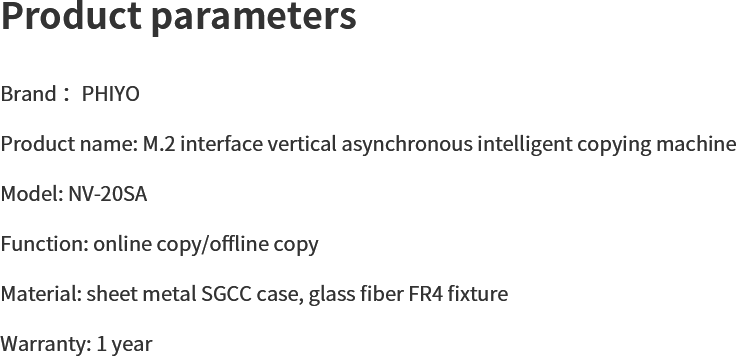
Size | Overall size:600mm*423mm*150mm | |
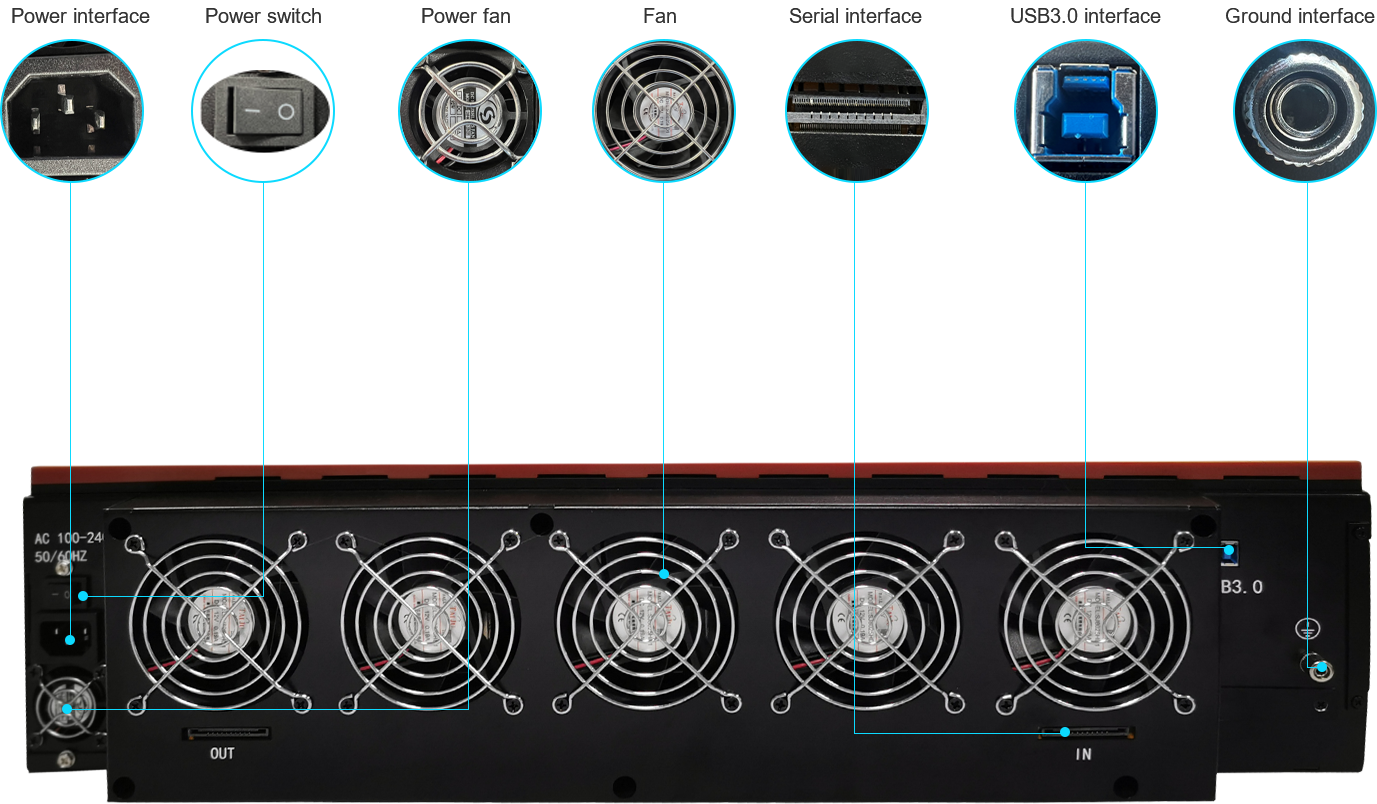
Input power supply | 600W,12V/DC | |
Output power supply | DC +3.3V,+5V,+12V | |
Automatic power-off control | Support | |
Operating temperature range | -20°C ~ 85°C | |
Operating humidity range | 20%~85%,Non-condensing | |
Storage humidity range | 5%~95%,Non-condensing | |
Title | Describe |
Version Download |

Q1:What are the differences between the new generation of NV series copiers and the previous generation of NV series copiers? |
1.The new generation of NV series duplicators include three: NV-05SA, NV-10SA and NV-20SA |
Q2: How about the life of the vertical interface? |
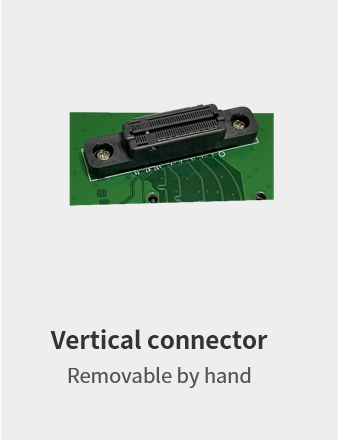
The vertical interface is designed by manual mechanics and supports 10,000 times and removal at most. |
Q3: What is the copy speed? |
The copy speed of NV series duplicator can reach 800M/S |
Q4: Does it support large-capacity SSD copies? |
can |
Q5: Can copy IDE HDD? |
Yes. |
Q6: Does it support HDD copy of U2 interface? |
Yes. |
Q7: The capacity of the master disk is different from that of the child disk. Can it be copied? |
Yes. |
Q8: Is the hard disk made with a quick copy exactly the same as the master disk? |
Yes. |
Q9: Why did copy fail? |
1. Check whether the data capacity of the parent disk exceeds the full capacity of the child disk. If yes, ensure that the capacity of the sub-disk is greater than that of the parent disk (at least 1MB). |
Q10: Why is the copy speed slow? |
The copy speed depends on the read/write speed of the hard disk in addition to the machine itself. Further investigation is required: |
Q11: How do I copy data to a hard disk? |
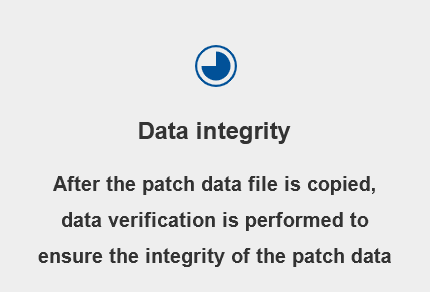
In addition to the copy function, the duplicator also has the function of data comparison. You can enable the comparison function. After the copy is complete, the system automatically compares data between the parent disk and the child disk. Ensure that data copy is not lost or damaged. |
Q12: How many copiers can be supported for tandem simultaneous copy? |
Ensure the copy speed and efficiency of the duplicator. It is recommended to connect a maximum of 50 PCS (1000 ports) in series. |
Q13: What is the difference between fast copy and full copy? |
Fast copy: Only the format data area supported by the system is copied. The blank area is avoided, which greatly reduces the copy time and improves the copy efficiency. If fast copy is selected, the duplicator analyzes data first. If the actual target card cannot contain all parent data, the copy opportunity turns red. |
Q14: Why does the red light light up immediately after I insert the card and press the copy key? |
Please check whether your parent source data is larger than the child source, or if the parent source data location is out of the child source space. |














 >
>